How long is my access?
You can buy 1-month or 12-month access. Companies can request a quote for a different period.
Digitow typing course
Everything you need to know about the course: workload, curriculum, certificate, instructor, access time and support.
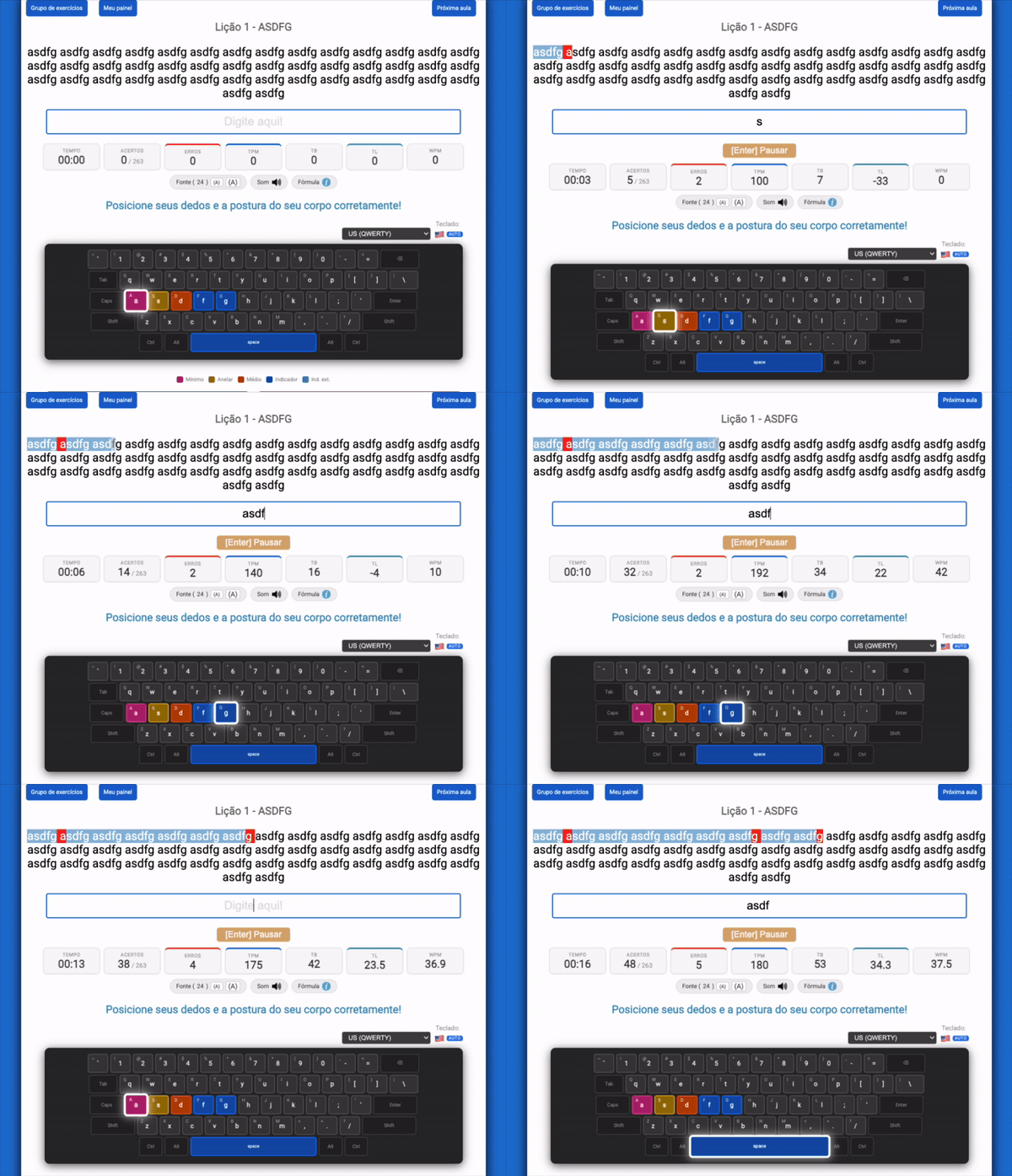
Try the platform for 7 days without a credit card. Nothing to download: everything runs in the browser, 24 hours a day.
Video and text lessons explain posture, hand placement and how to use the platform.
Progress from basic exercises to advanced texts and the numeric keypad, with reports for every lesson.
After all lessons, reach at least 200 keystrokes per minute in the typing test to unlock your certificate.
The content is organized into an introduction and seven progressive modules.
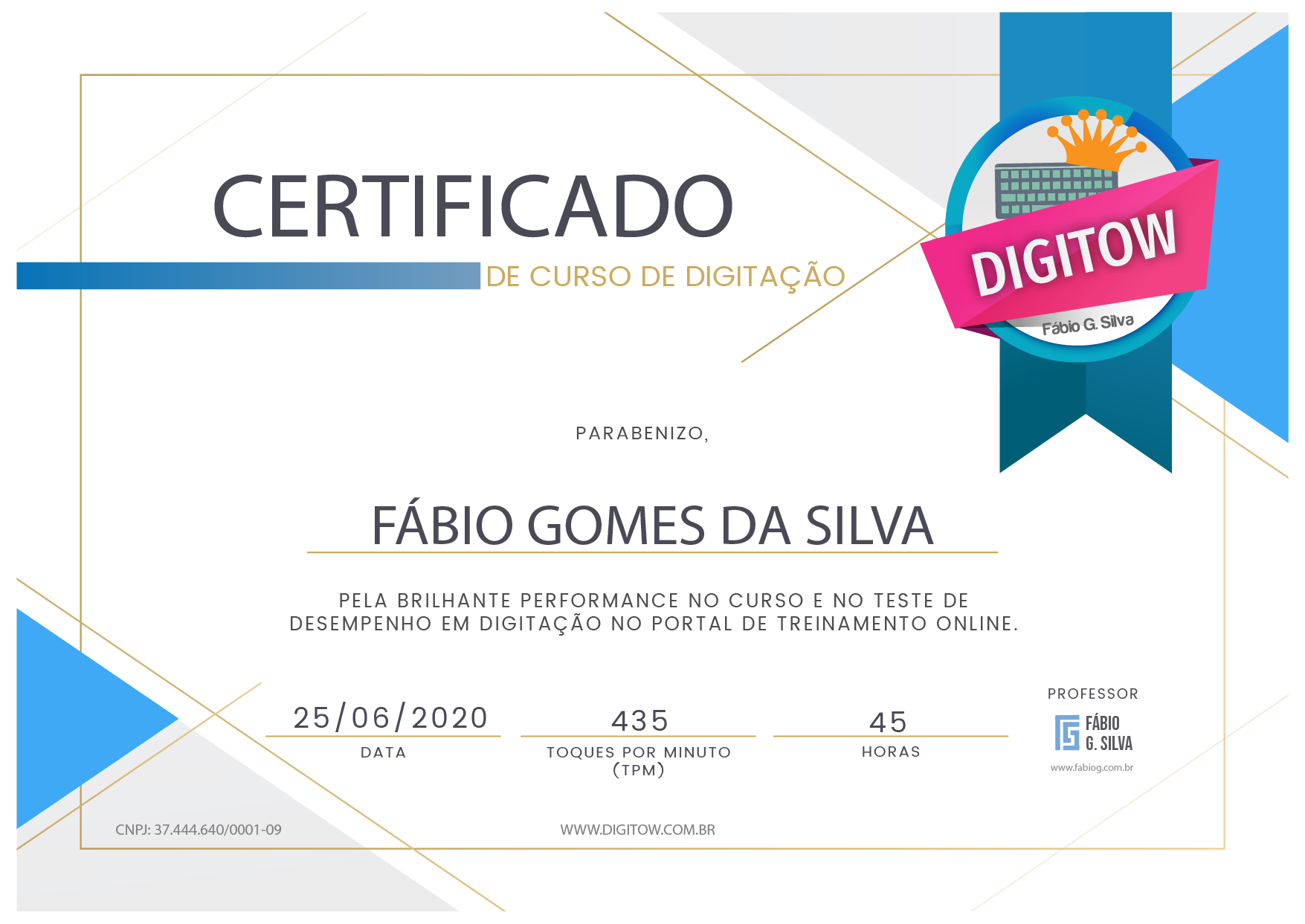
Yes. The certificate is issued when the student finishes all practical lessons and takes a typing speed test scoring at least 200 keystrokes per minute.
I like it, start now!
Fábio Gomes da Silva
Fábio Gomes da Silva is the instructor and creator of this typing course. He has worked in computer training for more than 10 years and also teaches Digital Marketing at PUC Minas and UNIPAC, with lab and technology classes.
You can buy 1-month or 12-month access. Companies can request a quote for a different period.
No. You do not need to download any app or program. Video lessons and exercises are available on the platform 24 hours a day.
Questions are answered by email at [email protected] or through the support page.
The typing course is ideal for anyone who uses, or plans to use, a computer regularly. It improves typing speed and accuracy, making keyboard work more efficient. Among those who benefit most are:
The course is also excellent for schools and training centers that want to expand their services by teaching an essential skill.
It depends on your commitment and regular practice. Just like at the gym, consistent practice is essential to see meaningful results.
We recommend at least 30 minutes of practice a day. With this routine, in one month you will notice a big difference in your speed and accuracy.
The key to typing faster is focusing on technique, not speed. At first, type slowly and make sure you are using the correct method. This builds confidence and familiarity with the keyboard.
Once you start using all your fingers correctly, your typing speed will increase dramatically. With consistent practice you will develop both the accuracy and the speed needed to type efficiently.
After completing all lessons, take the typing test and reach at least 200 KPM (keystrokes per minute) to earn your certificate of completion.
The platform also has a practice area with custom texts, so you can keep improving according to your needs and goals.
The course offers two durations to suit different needs and schedules:
These options make sure everyone finds a plan that fits their lifestyle and learning goals.
Try interactive lessons, reports, rankings and more. It is 100% online and you can start without commitment.
No credit card required. Start your free trial